

For Google Workspace
Zumpul Email Signatures for Google Workspace
Create, apply and update Gmail signatures for the whole domain by department, OU or group.
Start free — 14 days, no credit card Book a demo
14-day free trial · No credit card required.
Teams managing their signatures with Zumpul


Why use Zumpul in your company?
With Zumpul Google Workspace Administrator or the Marketing department will be able to take the control, manage and standardize email signatures from one place for the entire domain, finally having full control about what employees write in their email signatures.
Marketing in the signatures
Implementing an effective Advertising Display Networks on your signatures to generate more sales and traffic to your website and events from your emails.
Corporate Image and branding
Corporate image in your email communications, consistent image across all emails with predefined professional templates gallery, ready to use.
Standardization and Control over signatures
Centralized management and control over the signatures by the Administrators or your Marketing department. Keep your email signatures consistent across all your staff to give your customers confidence.
Installed from the Google Workspace Marketplace
- A super admin installs it once for the whole domain, and signatures are applied directly in Gmail.
- Administrators or the marketing department manage signatures by department or organizational unit.
- 14-day free trial. No credit card required.
- Pro from US$0.55 per user/month (US$5.50/year). Enterprise US$0.70/month (US$7.20/year). Education: contact us.
- Cancel anytime, immediately or at the end of your billing period. If you ask, we delete your data.
- Support in English and Spanish, plus a help center at support.zumpul.com.
- On the Google Workspace Marketplace since 2017.
On the Google Workspace Marketplace since 2017

Google Workspace Marketplace and the Google Workspace Marketplace logo are trademarks of Google LLC.
Your data under control
Enterprise-grade infrastructure on Google Cloud Platform, with an active WAF and Sign in with Google (SSO). Data access is limited and confidential, there's an incident procedure, and payments go through Stripe. Zumpul uses Gmail settings access only to update each user's signature. Read our privacy policy.
What our customers say

This is an awesome tool!!! Easy to use. Easy configuration. Familiar WYSIWYG design tool. Code option. Friendly support. It's great!!!
Ray Archie / Notes To The Soul

Excellent tool It allows to create signatures for the whole company automatically with impeccable presentation
Felipe Campbell / TecnoTI

Excellent, easy and intuitive. It does what it needs without particular complications
Luca Comandulli / Modi Immobiliare

After a minor learning curve, the interface is very easy to work with and does exactly what we need. Perfect for our organization
Jeanmarie McFadden / Bishop O'Connell High School

The best tool I have found in order to standardize signatures in an easy way in my organization
A Google User

I was looking around for a way to have a standard email template and issue it to all of the users in our domain centrally from administration. I discovered Zumpul, they have been fast to respond to my questions and suggestions which is amazing
Bryce Adams / My wedding guide
Reviews from the Google Workspace Marketplace
This public review is quoted from the listing, as written.
It's an amazing tool with great UI. User friendly interface makes it unique in a way that even non-IT guy can handle the signature management for the entire organization. Long story in short- it's a great tool!
May 11, 2018
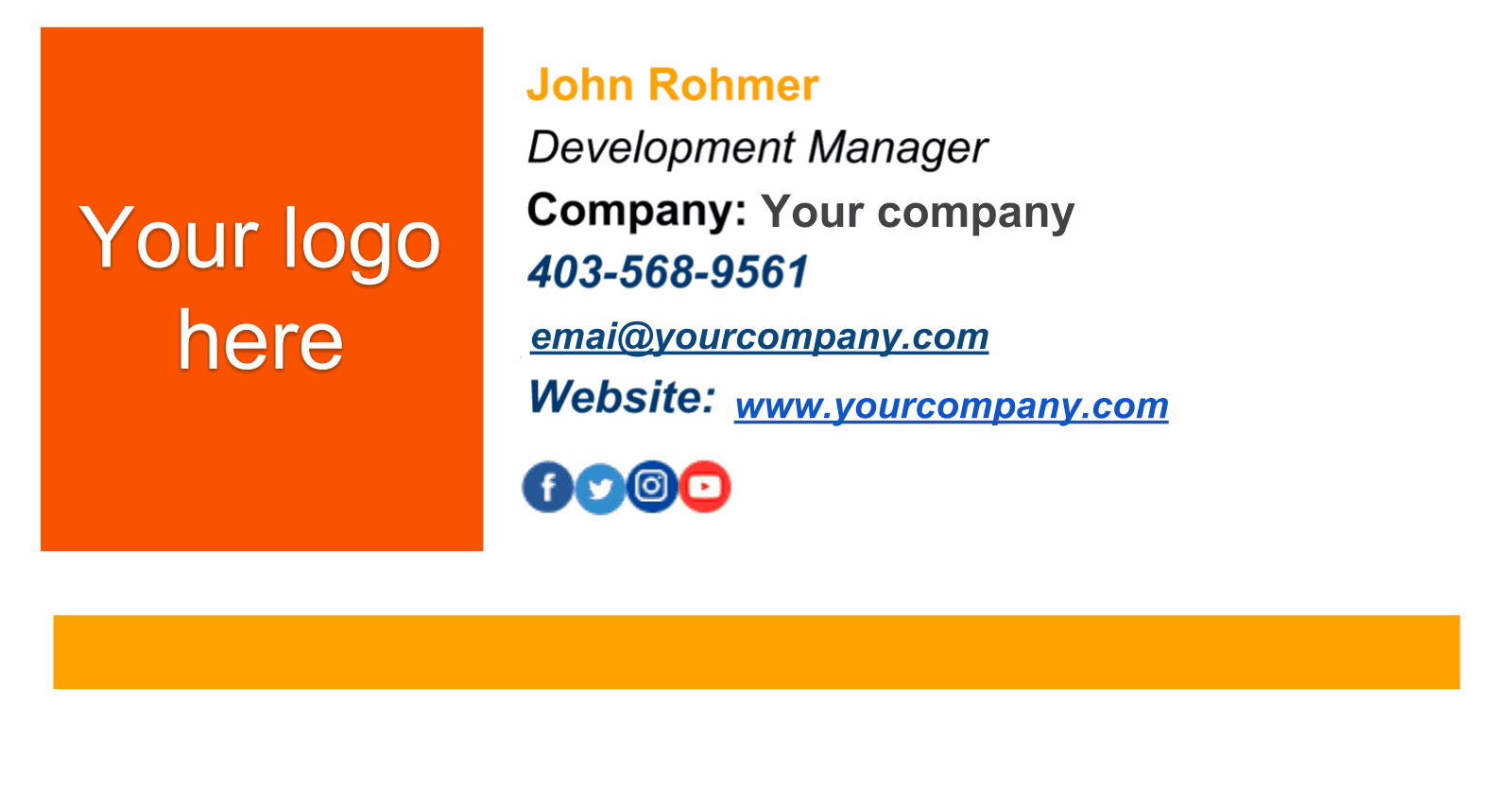
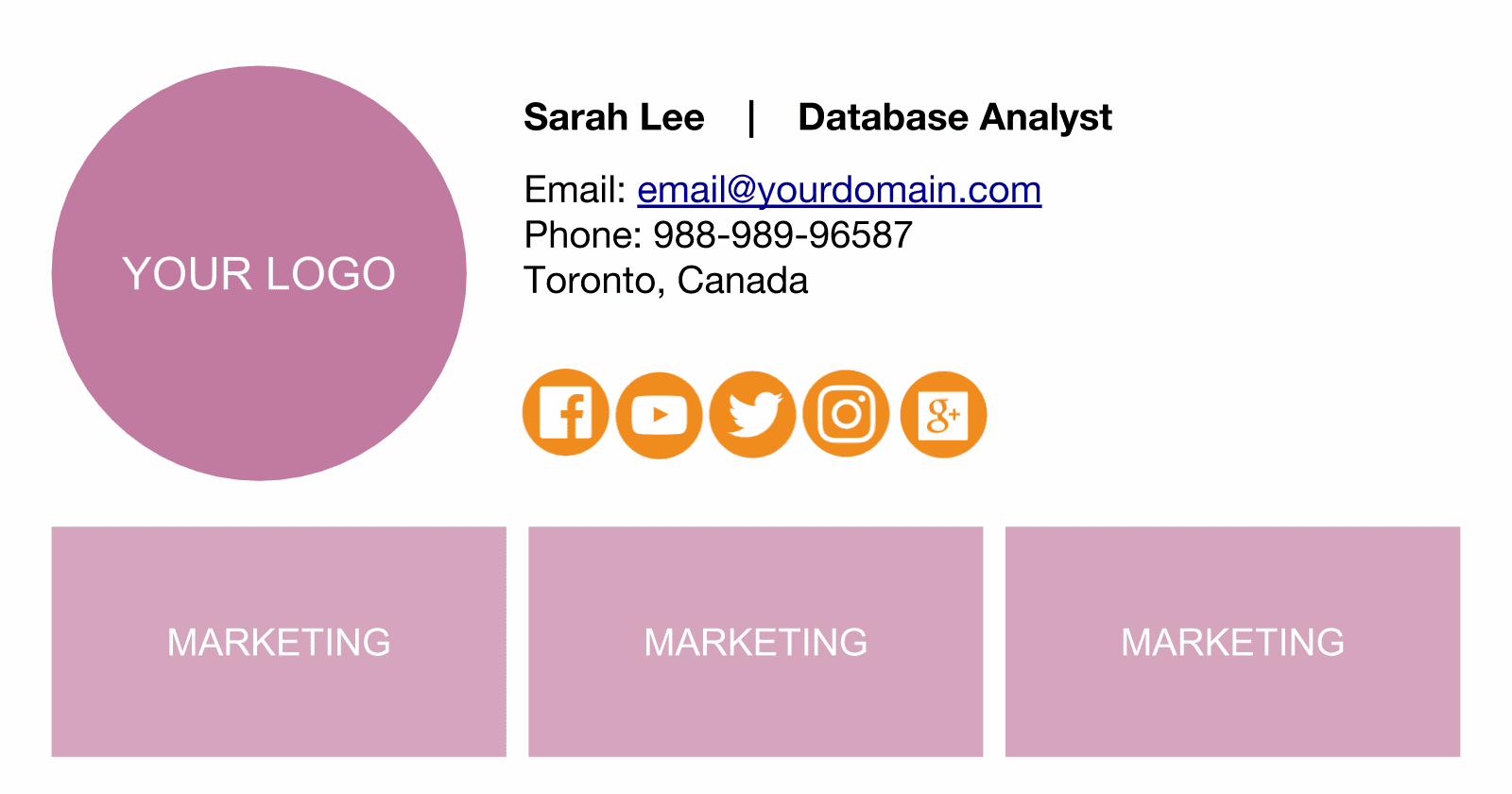
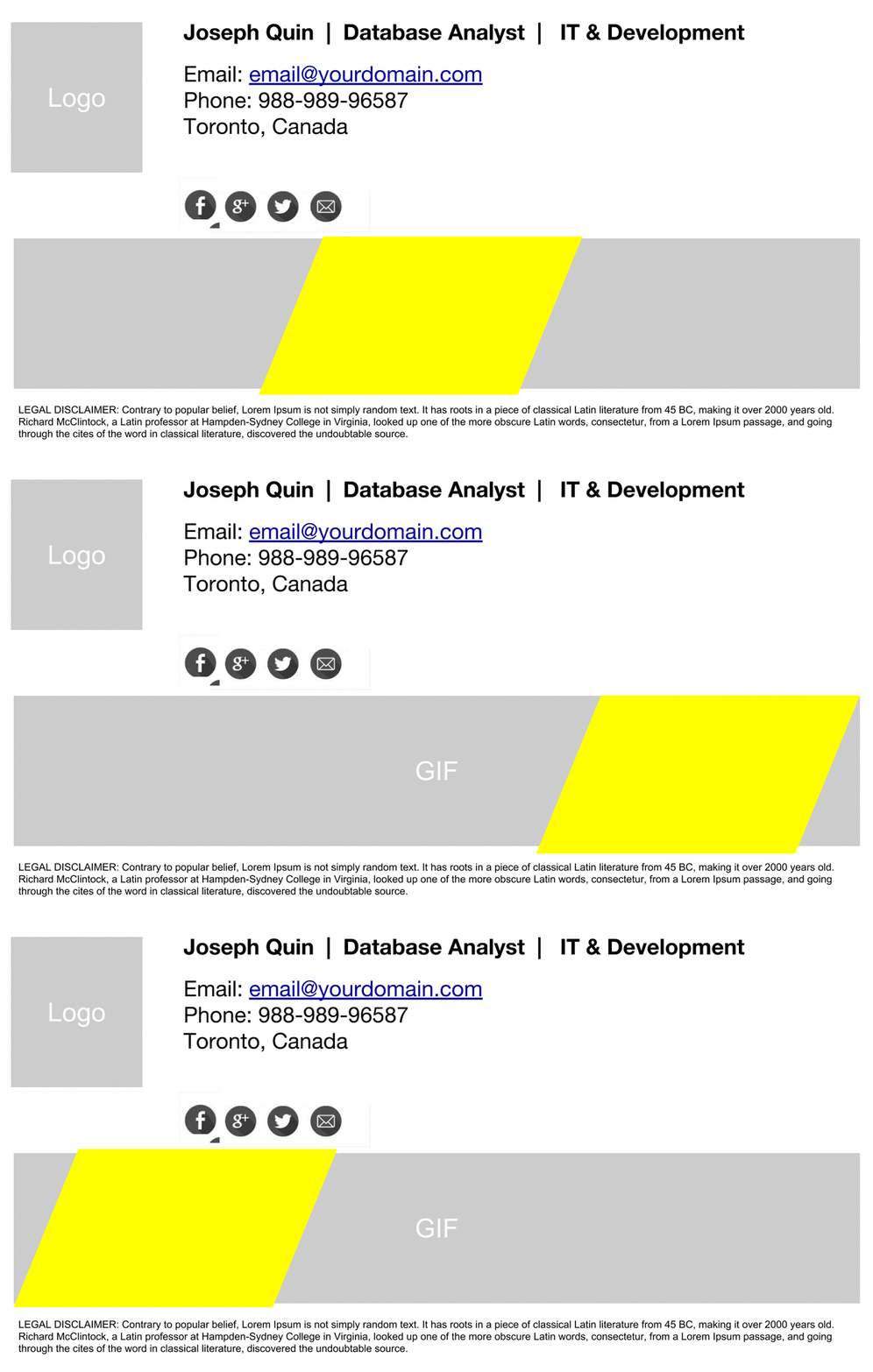
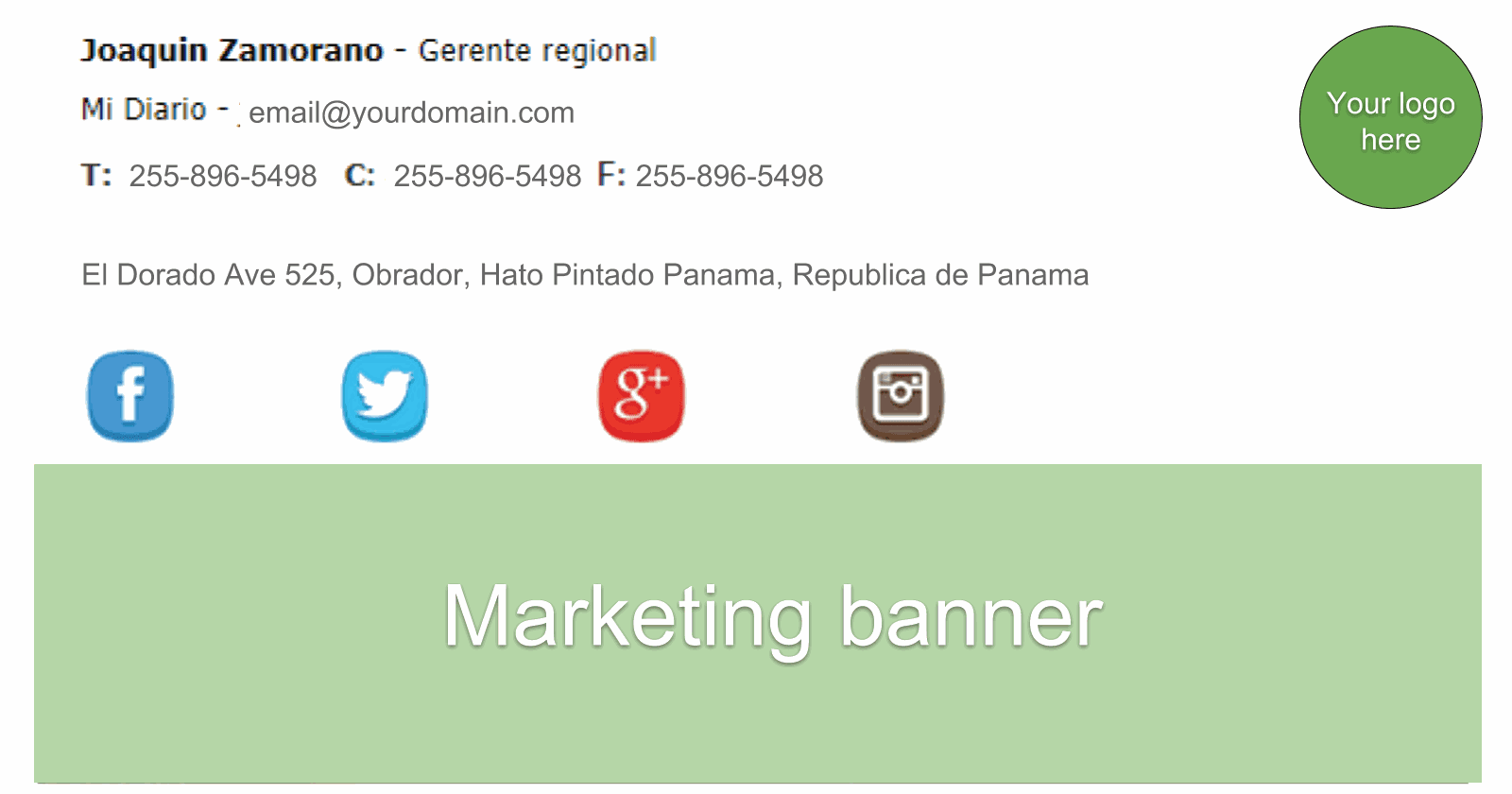
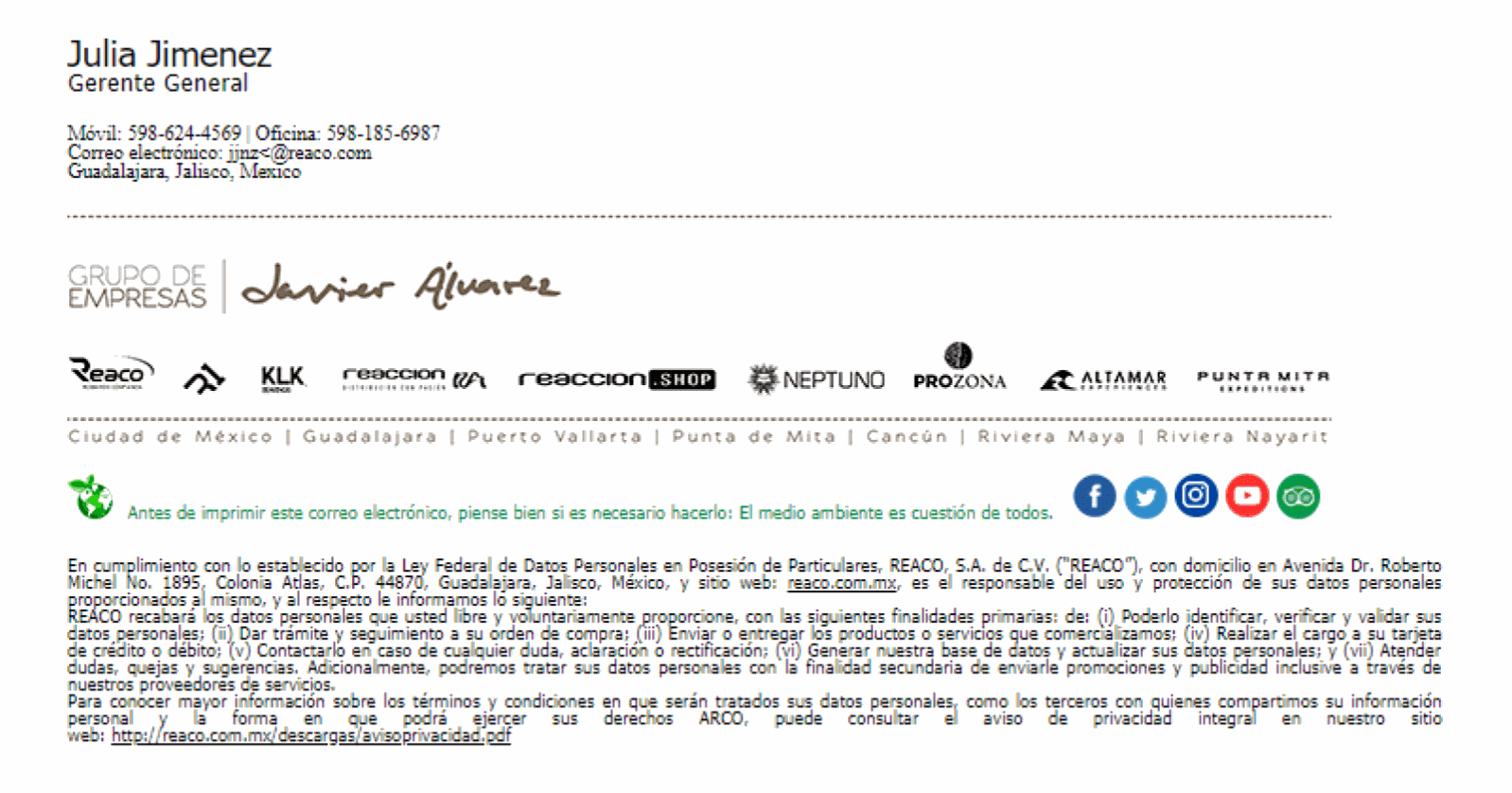
Gallery of Professional Signature for Google Workspace
Starting in seconds with our Professional Email Signatures Templates

Questions about Zumpul
These answers use only the privacy policy, the terms, the install guide, and the pricing page on this site.
What Google Workspace data does Zumpul use?
The privacy policy says Zumpul uses OAuth 2.0 and does not work with consumer @gmail.com accounts. Its stated purpose is to let a company centrally manage email signatures for users in their domain.
That policy says directory access is used to read the list of users, user details, and organizational-unit membership, and that organizational units are imported as user groups in Zumpul. Custom user schemas are used to load contact information stored there. Gmail settings access is used to load existing Send-as addresses and to update signature settings. The account email is used to identify the user, and profile access is used to load profile pictures.
The same policy says Zumpul does not load group data today. Signature assignment based on group membership is described there as under development, as is writing user details back to the directory. The policy lists each scope and the purpose stated for it.
How does the privacy policy describe security?
The privacy policy says Zumpul has security measures to prevent personal data from being accidentally lost, used, or accessed in an unauthorized way, altered, or disclosed. It says access is limited to employees, agents, contractors, and other third parties who have a business need to know, and that they process data on Zumpul’s instructions under a duty of confidentiality. It also says there are procedures for a suspected personal-data breach, and that Zumpul will notify you and any applicable regulator where it is legally required to do so.
Why does Zumpul ask for administrator permissions?
A super administrator installs Zumpul once, for the whole domain, from the Google Workspace Marketplace. The install guide says the public listing is marked Admin managed and that the permissions include managing the email settings of users on the domain. That is the access the privacy policy says is used to update signatures. Someone who is not an administrator of the domain cannot install it.
Who installs Zumpul?
A super administrator opens the Marketplace listing, chooses Install, and reviews the permissions Google shows. After that, sign in at https://accounts.zumpul.com/login. The install guide also covers the messages “Installation required” and “Not an admin”: signing in does not install the app, and a non-admin cannot complete the install.
How are signatures applied for the domain?
The install guide says the listing describes Zumpul as a way to set signatures for the whole organization, or for selected people, from one place. The privacy policy says Gmail settings access is used to update each user’s signature through Send-as settings. The home page describes centralized management by administrators or the marketing department, including by department or organizational unit. Group-based assignment is not a current feature: the privacy policy says group data is not loaded and that assignment by group is under development.
How does Zumpul sync Google Workspace users?
The support article on People sync says Zumpul runs an automatic People sync every day at midnight, and that you can also run a manual sync of users and profiles. Article 504 says a new person is created in Google Workspace first, then you open People in Zumpul and click Sync People. Article 501 says profile updates made in Google Workspace, including a job title, are pulled in from Settings, then Sync and Update, with the Sync button. The privacy policy describes directory access as a read of users, their details, and organizational-unit membership.
What if a new person or a job-title change is missing from Zumpul?
Create the account in Google Workspace first if the person is new. Then use Sync People in the People section, as article 504 describes, or the Sync button under Settings and Sync and Update, as article 501 describes. Article 504 says the new people show in Zumpul after Sync People, and that the time depends on how many new users there are. Article 501 says that sync pulls profile updates such as a job title from the Google Workspace directory. If a template is already assigned to their organizational unit, article 504 says they inherit that signature when the sync finishes.
What if a job-title change is not in the signature?
Article 401 says you can open the person in People, edit details such as the job title, and save. It says the change is reflected in the signature when you apply it. Article 208 says you search for the person in People, review the preview, and click Apply. The same article says that after Apply the signature is applied for that user’s Google Workspace account. If the template uses a dynamic field such as Title or Department, the FAQ in article 401 says the signature pulls the saved value.
How do I know a signature was applied?
Article 208 says that after you review the preview and click Apply, the signature has been applied and is live for that user’s Google Workspace account. The support article What happens to the signatures that I already applied says signatures already applied stay in place if Zumpul is uninstalled or the version changes, and that an end user can change the signature from their personal settings.
How do I contact support?
The footer links to Submit a Support Ticket. Use that link.
Can I try Zumpul without a credit card?
Yes. The pricing page says you can start with a 14 days free trial, no credit card.
How do I cancel a paid subscription?
You can cancel anytime or at the end of the billing period, and you can request deletion of your data.
Is there pricing for schools?
The pricing page shows an Education card with an 80–90% discount for teachers and staff. The discount is quoted case by case. That card does not publish a price. The button is Contact us and it opens the demo calendar.
What is the difference between Pro and Enterprise?
On the pricing page, Pro is US$0.55 per user per month or US$5.50 per user per year and includes 4 signature templates. Enterprise is US$0.70 per user per month or US$7.20 per user per year and includes unlimited signature templates. The monthly/annual toggle says Save up to 17%. Licences are for all active users in the Google Workspace domain.
Who needs a Zumpul licence?
The pricing page and the support article Do I need a Zumpul licence for all my users in my domain? say you need a licence for every active user in the Google Workspace domain. The support article Can I apply a signature to an email alias with Zumpul? says a signature can be applied to the primary email address only.